Prodigy & Scratch
Prodigy is an educational role-playing game designed to help students practice their math and English skills in a fun, story-based world. This game platform is developed by the company Prodigy Education and is used in elementary and middle schools.
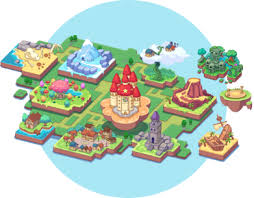
How It Works is that players create their wizard character who goes on adventures, explores maps, and battles the monsters. When trying to attack or use spells, learners have to solve questions (ex., a math problem or a reading comprehension question). When getting the correct answers, deal damage or earn rewards, but when getting the wrong answers, you don’t let you cast a spell onto the opponent, but you get a second chance to try once the “round” is over. Teachers can assign specific skills or standards, so students can practice what they’re learning in class.
The version of Prodigy Math focuses on math skills such as addition, fractions, algebra, geometry, etc., while Prodigy English helps focus on reading, writing, and grammar through building and crafting activities.
To take into consideration is that the core game is free, and students can play everything needed for learning, but there is a paid membership that adds extras like new pets, outfits, and items. The membership is mostly for cosmetic or motivational features that are not necessary when playing, so the membership is not needed.

_____________________________________________________________________________________
Scratch is a free, visual programming and online community that is designed to help people, especially kids, learn how to code by creating interactive stories, games, and animations using different sequences. This site was launched in 2007, and the audience is mainly towards children ages 8-16, but anyone is able to use it and create their own codes.
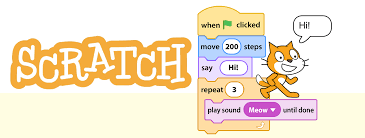
When using Scratch, it uses a block-based coding system, instead of using typed code like other platforms. Scratch you can drag and drop colourful blocks that snap together like puzzle pieces to create your coding sequence. On this platform, you are able to move Sprite (the cat character), play a sound or music, detect user input (like keyboard presses), and control events and loops. For example, “when green flag clicked” -> move 10 steps -> “play sound ‘meow'”, and whatever character you choose will do the actions you put in.
Different things you can make when using this platform are simple games, animations, interactive stories, art, and music projects. You are able to then share your creations that are made for different users in Scratch in online communities.
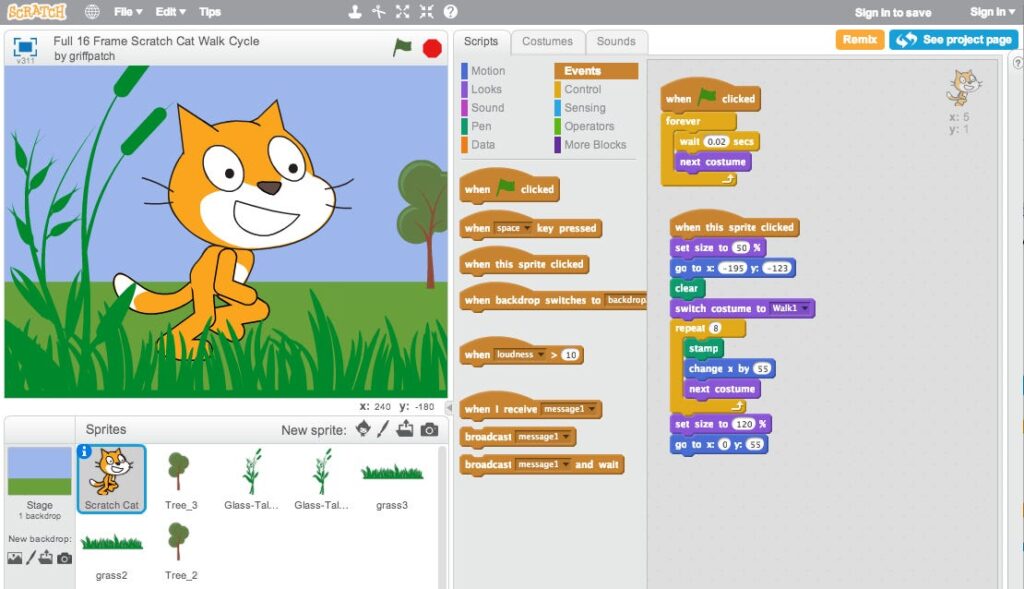
Scratch is a useful tool for coding because it encourages creativity, problem-solving, and logical thinking in children using the platform. It also helps beginners start learning how to do coding concepts like loops, variables, and events. Scratch is a free platform and runs in different web browsers with no installation needed.