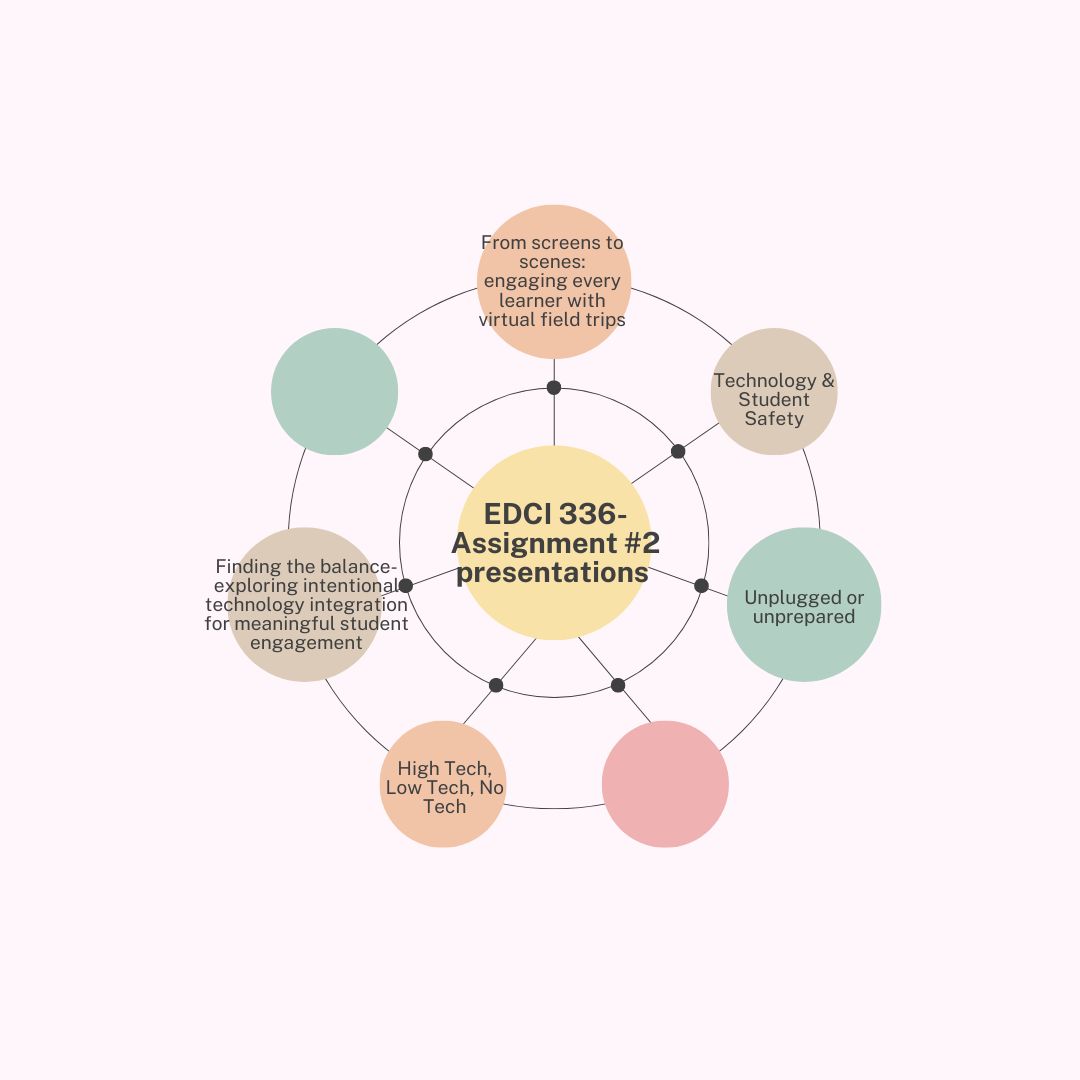
Presentations for Assignment #2
Group One- From screens to scenes: engaging every learner with virtual field trips
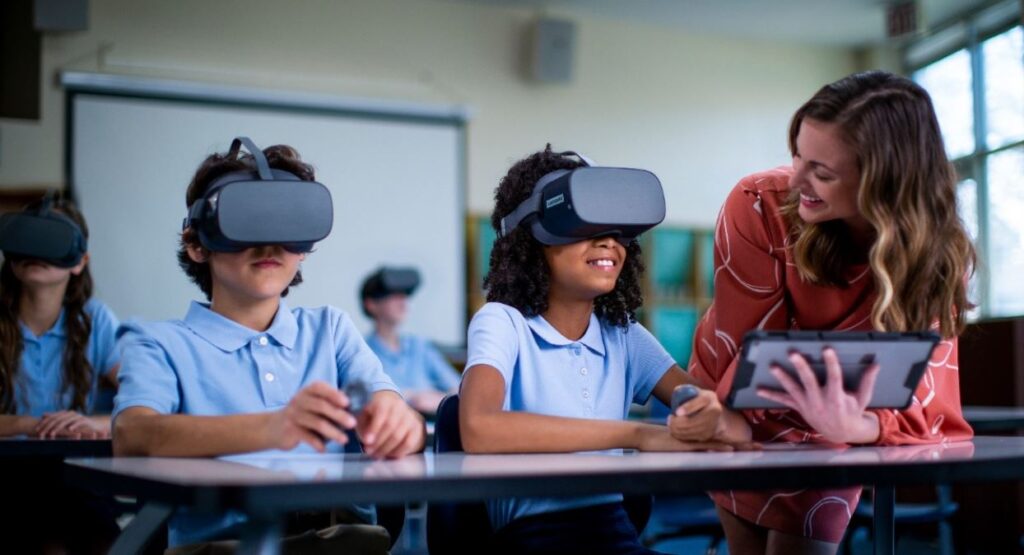
“How can Virtual Field Trips enhance accessibility and engagement for elementary students with diverse learning needs?”
Virtual Field Trips (VFTs) are interactive, tech-powered experiences that let learners explore places virtually. This type of technology offers students the opportunity to explore places, concepts, and events that may be inaccessible due to cost, distance, or safety constraints. Using this digital tool uses interactive videos, virtual reality, 360-degree tours, and online simulation. VFTs create immersive learning experiences that bring real-world environments into the classrooom. Overall, virtual field trips have become a powerful educational resouce that expands learning from outside the classroom.
Evolution of Virtual Reality Field Trips
- Early era: static images and text
- Web 2.0 era: interactive maps and basic 360 viewing
- Current generation: immersive VR and AR, live streaming, AI-assisted tours
- Future trends: haptic feedback
Accessibility benefits
- Physical
- Financial
- Temporal flexibility
- Geographic reach
- Sensory adaptations
- Language support
Group Two- Unplugged or unprepared
“Exploring the effects of Digital Literacy in children”
Examining how childrens ability to understand and use digital tool to help influence their learning, development, and daily lives. This can include look at different digital literacy tools such as navigating online platforms, evaluating information, using educational apps, and communcating safely. All these tools can help impact academic performance, problem-solving, creativity, and social interactions. When using technology it comes with some challenges such as screen time balance, online safety, and unequal access to technology. Overall, when exploring this topic can help educators, parents, and researchers understand how it is to be growing up in a digital world and how it is shaping students abilities, opportunities, and well-being.
- Useful tech
- Seesaw
- Reading eggs
- Math seeds
- Mystery science
- UFLI
- Virtual field trips
Group Three- High Tech, Low Tech, No Tech
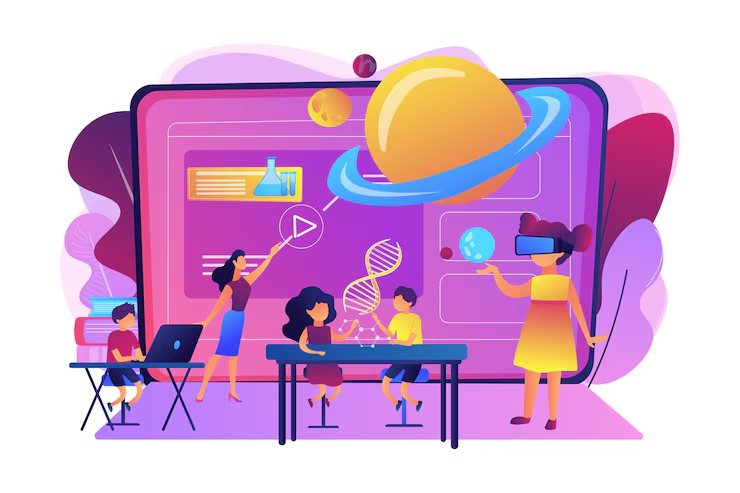
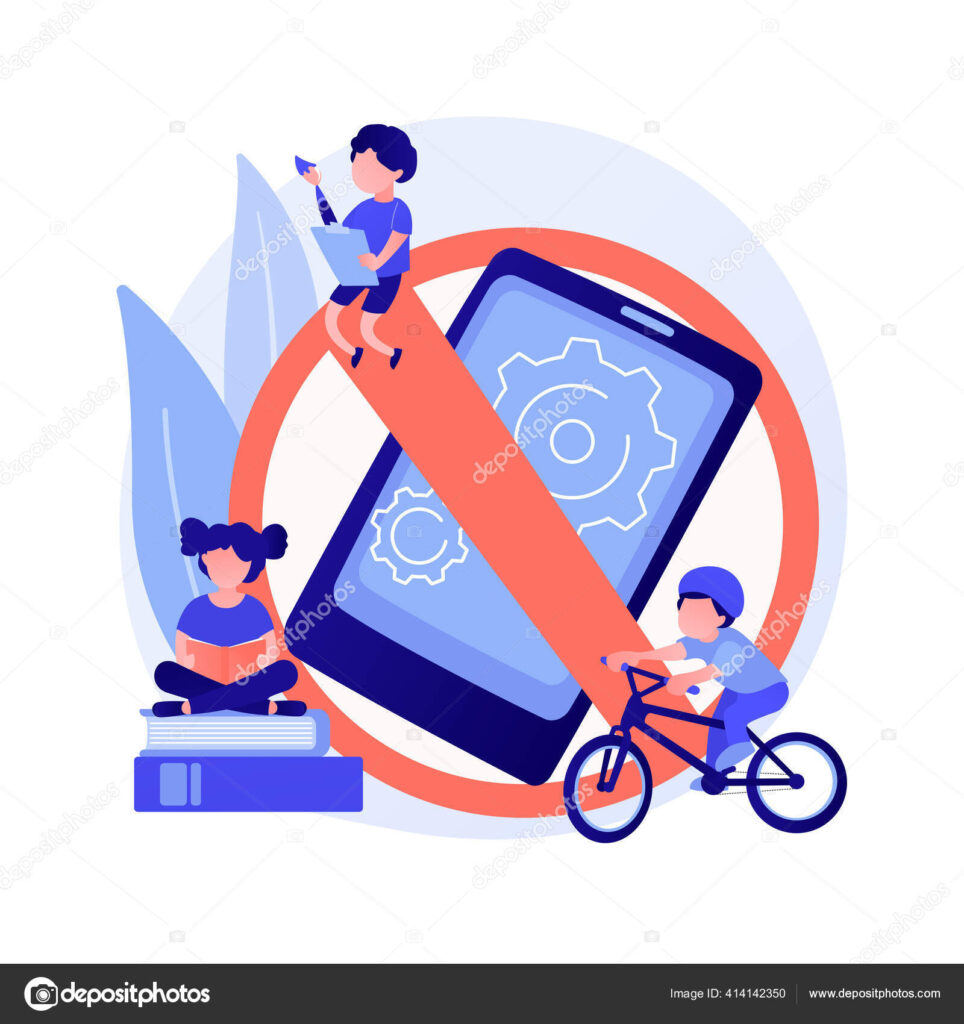
“what are the implications of high tech, low, tech, and no tech classrooms?”
High-tech classrooms use digital tools such as laptops, tablets, interactive whiteboards, VR, and online learning platforms. In these environments they can enhance engagement, support personalized learning, and build essential digital literacy skills. When being in a high-tech environment students often have access to rich multimedia resources and real-time feedback. However, high-tech classrooms can also widen equity gaps when access to devices or stable internet is uneven. The cons of having a high-tech classroom is having technical issues and distractions can also interrupt learning outcomes.
- A high-tech classroom integrates modern technology to help with teaching and learning
- tablets
- Laptops
- Apps
- Online quizzes
- Virtual reality
Low-tech classrooms only use some technology such as projectors, educational software, or shared devices. These classrooms rely mainly on traditional tools like paper, pencils, and physical manipulatives. With having a low-tech classroom they find a balance between the benefits of technology without becoming dependent on it. These classrooms forcus on more hands-on learning and allow creativity and conversation without having the distraction of being on screens when learning. However, low-tech classrooms may limit the opportunities for students to develop advanced digital skills and may not provide the same level of access to resources or personalized learning tools.
- Low tech- technology that is designed to be as simple as possible
- Noise-cancelling headphones/ headphones for music
- Visual templates to organize ideas
- figits
- Visual cues
- Whiteboard tablets
No-tech classrooms mainly rely on face-toface teaching, paper-based tasks, and physical materials. These environments can promote deep focus, interpersonal interaction, and foundational skills without having the distractions of devices. No-tech classrooms are beneficial for younger learners who are still developing social and fine motor skills. However, when having no technology, students may miss having the opportunity to build digital competency, access multimedia resources, or engage in modern learning practices. No-tech learning environments can also present equity issues if student s outisde the school have limited access to technology.
- No tech
- Using physical items- storytelling
- No ipads
- Full body learning
- Steiner-Waldorf method (is an educational approach that emphasizes creativity, imagination, hands-on learning, and holistic development of the child- intellectual, emotional, and physical)
Group Four- Finding the balance- Exploring intentional technology integration for meaningful student engagement
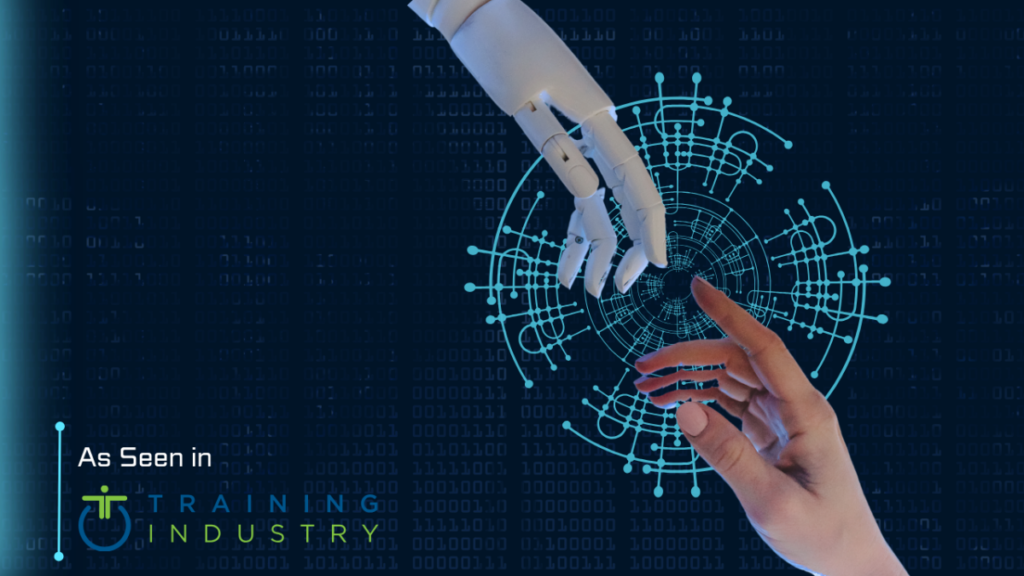
“How can teachers find the right balance between low-tech, hands-on learning, and high-tech digital tools to support meaniful student engagement in today’s classrooms?”
Teachers can find the balance between low-tech, hands-on learning, and high-tech by intentionally choosing the method that best supports the desinated learning goal rather than using one approach. When having a balanced classroom it blends with both high-tech and low-tech. Teachers introduce concepts or spark curiosity with technology, then reinforce understanding through hands-on activities, disscussions, or real-world applications.
- High-tech tools are useful for expanding access to information, personalizing instruction, and boosting engagement through multimedia or interactive platforms.
- Low-tech, hands-on learning supports deep thinking, collaboration, creativity, and sensory exploration—especially valuable for developing problem-solving and social skills.
Group Five- Technology & Student Safety
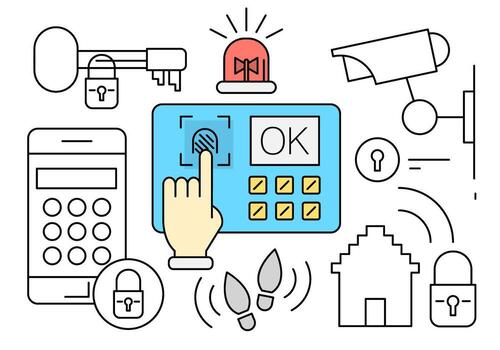
“How can schools use technology to enhance student safety during emergencies while balancing privacy, equity, and a postive learning environment?”
Schools can use tools such as communication systems, digital check-in platforms, security cameras, automated alerts that can help staff respond quickly and effectively. When using these type of systems privacy has to be taken into consideration and to only use the data necessary for safety, ensure strong cybersecurity practices, and be transparent with families about ht einformation is collected and protected. When trying to maintain a postive learning environments means integrating safety technologies in ways that are respectful and developmeentally appropriate, so students feel protected rather than being monitored. Technology can stregthen emergency preparedness while still honoring students’ rights, well-being, and sense of belonging.
apps that can be used for emergency communication